Content and time together
Keep saved time linked to the content you studied, with a timer or manual minutes.
Study organiser for Android
Bring subjects and content together, plan study sessions, track time and keep upcoming reviews in view in the app and Android widgets.
For exam preparation, university or independent study.
Free is a limited demonstration, not the complete planner.
Transparent pricing
Choose a country to check the latest published Google Play price.
The published regional price is not a live checkout quote. Your Google Play account region, taxes and eligibility determine the final price displayed in the app before purchase.
Compare plans
Use the table to compare the free demo with the full study planner.
A limited preview to explore the app.
The complete planner and advanced features.
| Feature | Free demo | Premium |
|---|---|---|
| Subjects | 1 | Unlimited |
| Study contents | 3 total | Unlimited |
| Normal review cycles | Included | Included |
| Study calendar | Included | Included |
| Study timer | Basic, within Free limits | Complete tracking |
| Study-time statistics | Example data only | Included |
| Study-plan import | Not available | Included |
| Long-term review cycles | Not available | Included |
| Groups | Not available | Included |
| Statistics | Example data only | Included |
| Backups and CSV/ZIP | Not available | Included |
| Notifications | Not available | Included |
| Android widgets | Static preview | Fully functional |
Free remains available without a time limit.
View on Google PlayOrganisation
Group subjects, divide them into content and find the next topic in a clear catalogue. Your organisation connects to the calendar and to the activity you record.

Today
The Today screen separates studies and reviews due today from overdue items. Tap + to record the subject and content you studied today, with or without a timer, and choose whether to start a review cycle. Open an item to time the session, pause it and save the recorded time.

Study time
Start a timer for the content you are studying, pause when needed and save the time when you finish. Completing a study or review is a separate action when the session offers it.
Planning and reviews
Use the calendar for planned study sessions and reviews. Choose whether a study should start a review cycle; planning and completion remain separate.
Keep review cycles visible when you need them. Follow due and overdue reviews, see upcoming dates and adjust the plan when your week changes. Configured intervals are options, not a universal learning method.

Android widgets
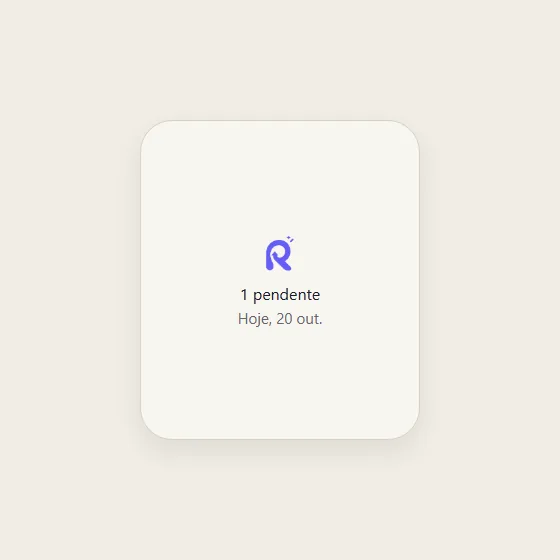
The home screen widget reflects the available study state: no timer, a session in progress or a paused session. The compact layout has limits and does not replace the app.
Recorded time
Review recorded time and the history available in the app. Planned sessions do not become studied hours automatically, and duration is not a measurement of learning.

Appearance
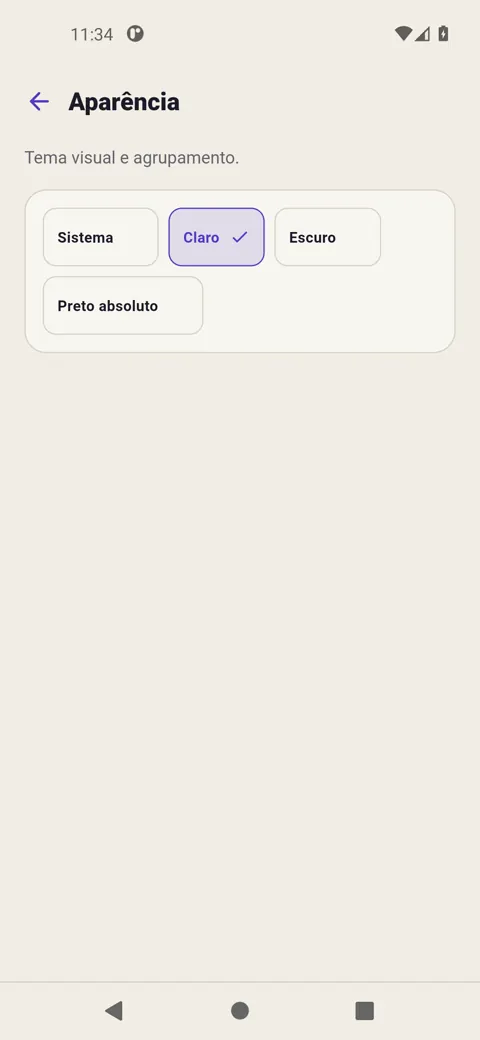
The app offers light, dark and absolute black themes, or follows the device setting. Choose a theme to update the app capture beside these controls.
The device setting is called System and resolves to light or dark. It is not a fourth palette.
Optional AI workflow
Ask an assistant of your choice for a schedule based on your subjects and availability. Review the proposal before importing it into Revisync.
Difficulty suggestions from 1 to 5 are subjective and require your opt-in. Availability and estimated duration do not configure the timer. Importing creates a plan; it does not record completed study.
Plan study, record time and follow reviews in the same Android app, without an account to get started.
Keep saved time linked to the content you studied, with a timer or manual minutes.
Schedule a session with no reviews, a normal cycle or a long-term cycle.
Use your plan on the device and choose when and where to export a full backup.
Revisync for Android
Revisync is an Android study organiser with a timer, planning, reviews, calendar, widgets and time tracking.
Explore all Revisync features · How Revisync works · Support