Android widgets
Your study state can stay in view on Android.
The widget reflects the timer state available to it. The compact widget is a glanceable summary and does not replace the app.
Three states, one compact layout
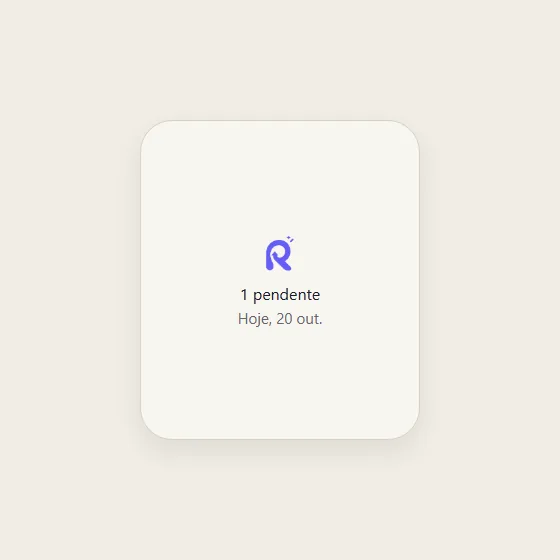
Android launchers can arrange widgets differently. The compact size shows a limited set of information; review the full context in Revisync. The demonstration below is a faithful HTML rendering of the current widget layout, including its three states.
States in the demonstration: No active timer · Studying · Paused
Three states, one compact layout
No active timer
The widget shows the available study summary and date.
Studying
An active session shows a play marker and elapsed time.
Paused
A paused session shows a pause marker and its saved duration.
Common questions
Can I pause or save time directly in the compact widget?
Use the compact widget to consult the state and open Revisync. For pause and save, open the linked timer in the app. Available actions vary with widget size.