Reviews
The 1–7–20 review cycle: how it works and when to adapt it
See how Revisync calculates the Normal plan’s next review and where to change intervals.
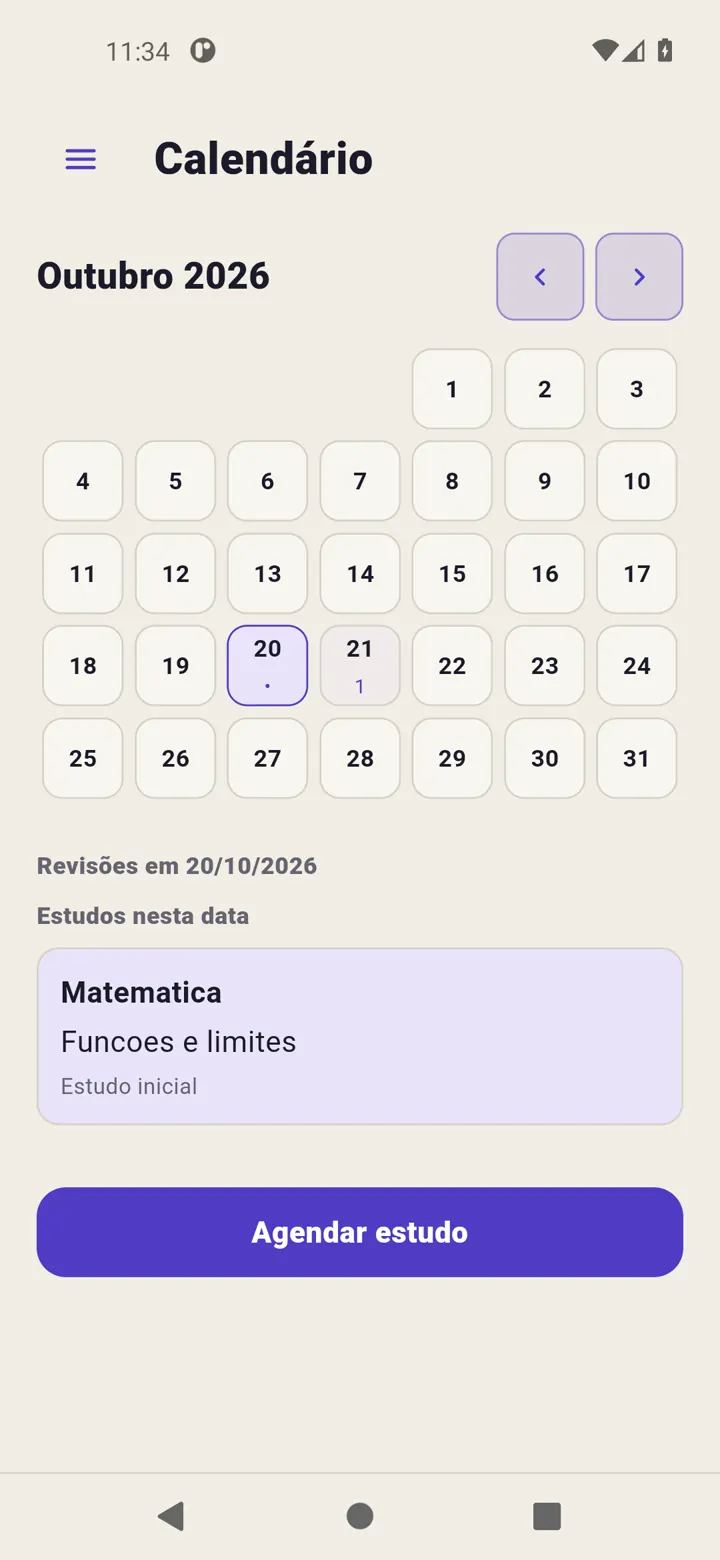
Normal is a Revisync review option with default steps 1, 7 and 20. These values organise returns; they do not assess learning.
How dates work
The first review is based on the initial study date. Later steps use the last completed review and the difference between configured intervals. If you review late, do not read the sequence as three fixed dates always counted from the initial study.
Calendar shows each cycle’s next executable review. Check the card after completing a step to see the following date.
Choose this mode
Use + in Today, enter subject and content, choose Normal and select Record study. This records today’s initial study and starts the cycle. If you will study later, use Calendar → Schedule study; the cycle starts when that activity is marked completed.
Change the sequence
Open schedule settings, adjust the normal plan and select Save intervals. This setting applies to cycles of that type. To change just one next date, use Reschedule review on the card.
The default is a product starting point, not a universal prescription. Read Review intervals.