Resources
How to back up your study plan
Export an independent backup, configure an automatic file and learn how to restore Revisync data.
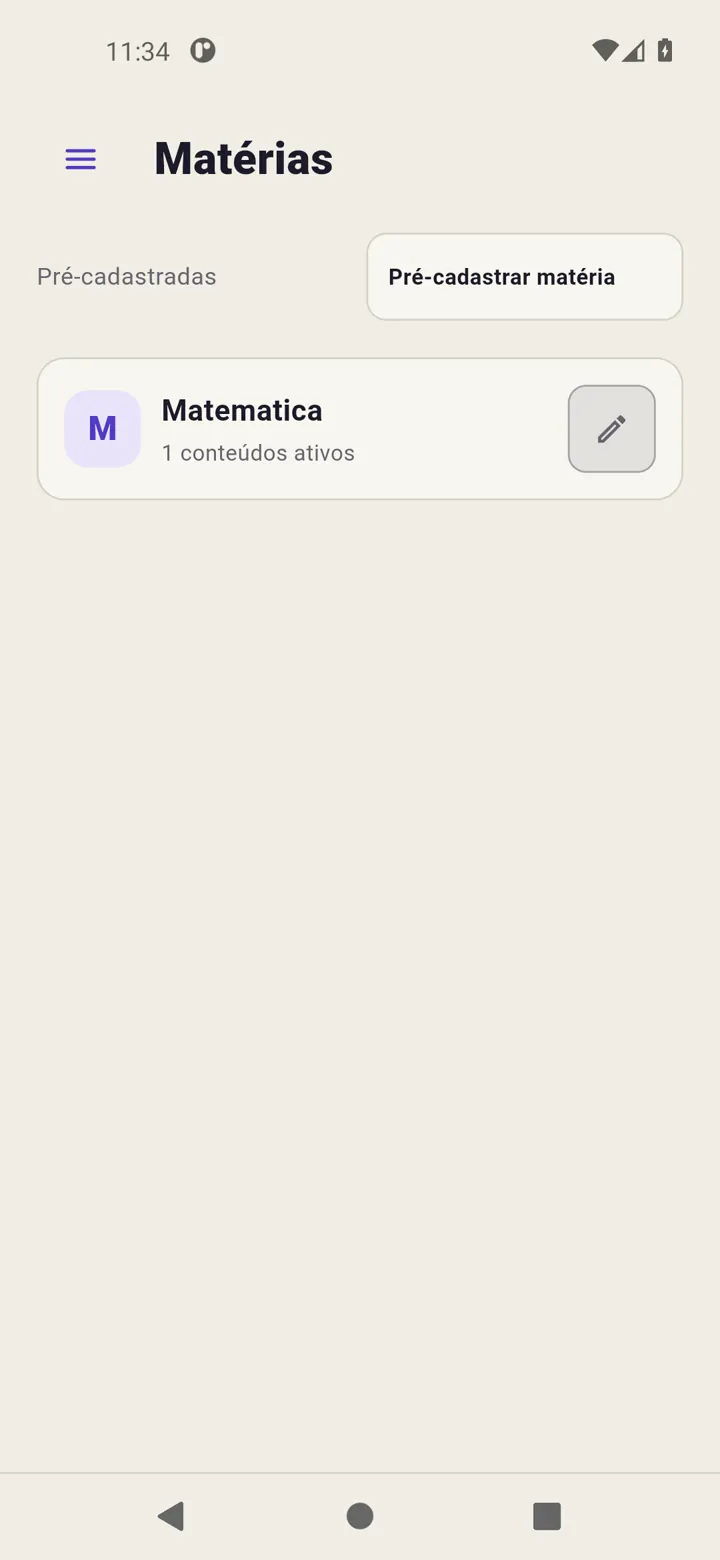
Your plan and history stay on the device. Use Revisync’s full backup to save a copy you can restore later, including on another device.
Create an independent copy
Open Settings → Backup → Export a backup copy. Choose a destination in Android and confirm. Check saving finished. This creates a new file without changing the automatic destination.
Set automatic updates
On that screen, choose the automatic destination, set a time and enable automatic backup. The backup-now action updates the already configured automatic file; it does not create an independent copy.
Updates overwrite the automatic file. Keep another copy before operations that replace records.
Restore deliberately
Use full backup restore and read the confirmation: it replaces current data. Choose a Revisync backup, wait and check catalogue, calendar and time.
CSV transfers only the catalogue. Plan JSON adds planned work after a preview. Neither is a full copy of app state. Read the backup guide.