Organization
How to restart a study routine after several days away
Resume pending work, schedule upcoming study and decide which Revisync cycles to keep.
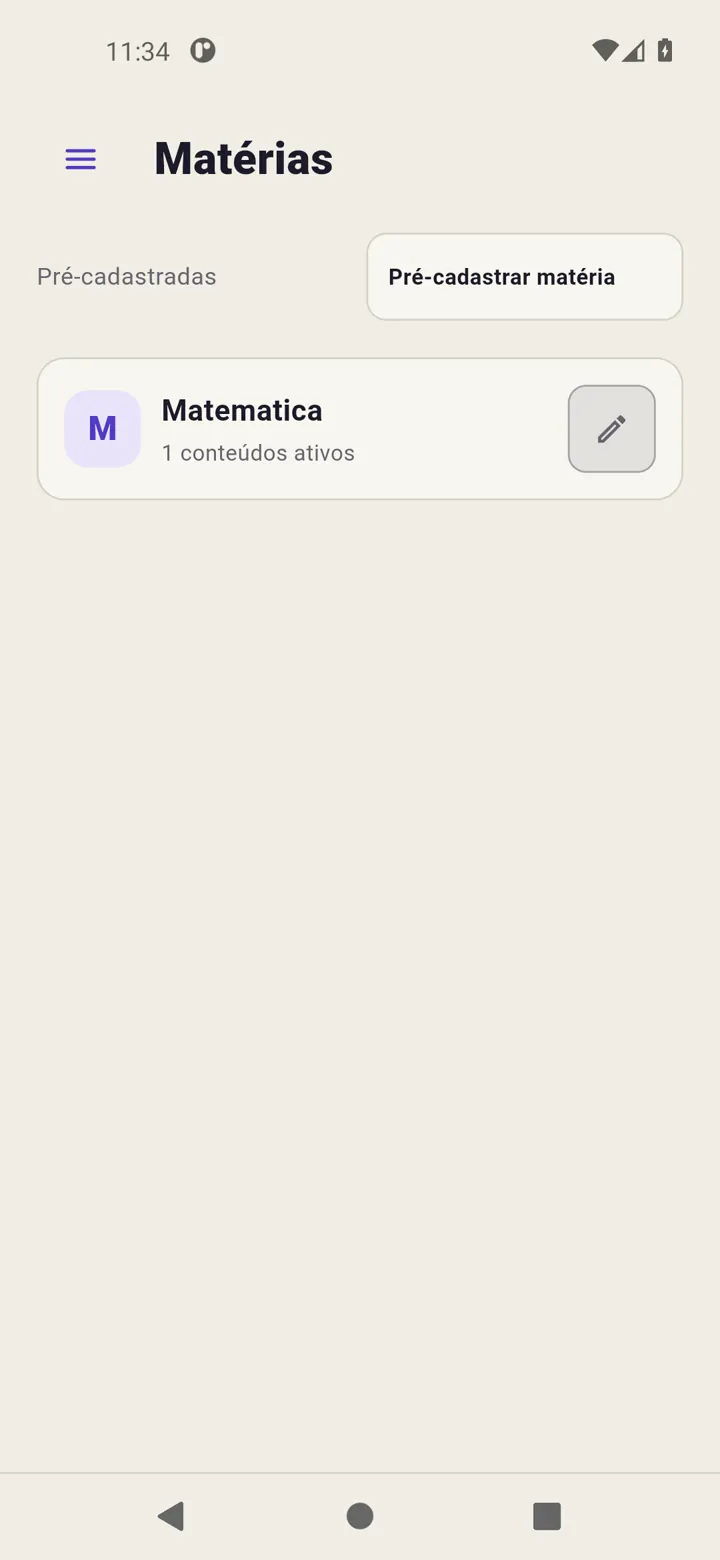
When returning to study, inspect saved work first. Revisync keeps your catalogue, pending work and recorded time; you do not need to erase it to start another week.
Check Today
Read studies, reviews and overdue work in Today. Choose an activity you can perform. Use its timer to record duration if wanted; afterwards save time alone or save and complete the indicated target.
Plan the next day
Open Calendar, select a date and use Schedule study. Choose content from suggestions to avoid duplicate names. Choose No reviews if the session needs no returns.
Decide about older cycles
Perform a review or use Reschedule review to change its next date. Use Restart cycle to begin another sequence. To stop returns, use the finish-cycle action and read its confirmation. Finishing does not mean the remaining reviews were performed.
Adjust from your records
Check statistics for saved time and available history. Use these to size upcoming work without turning estimates into completed sessions.
Read Handle overdue work.