Organization
What to do when your reviews pile up
Find overdue work in Today, complete what you performed and reschedule the next review when needed.
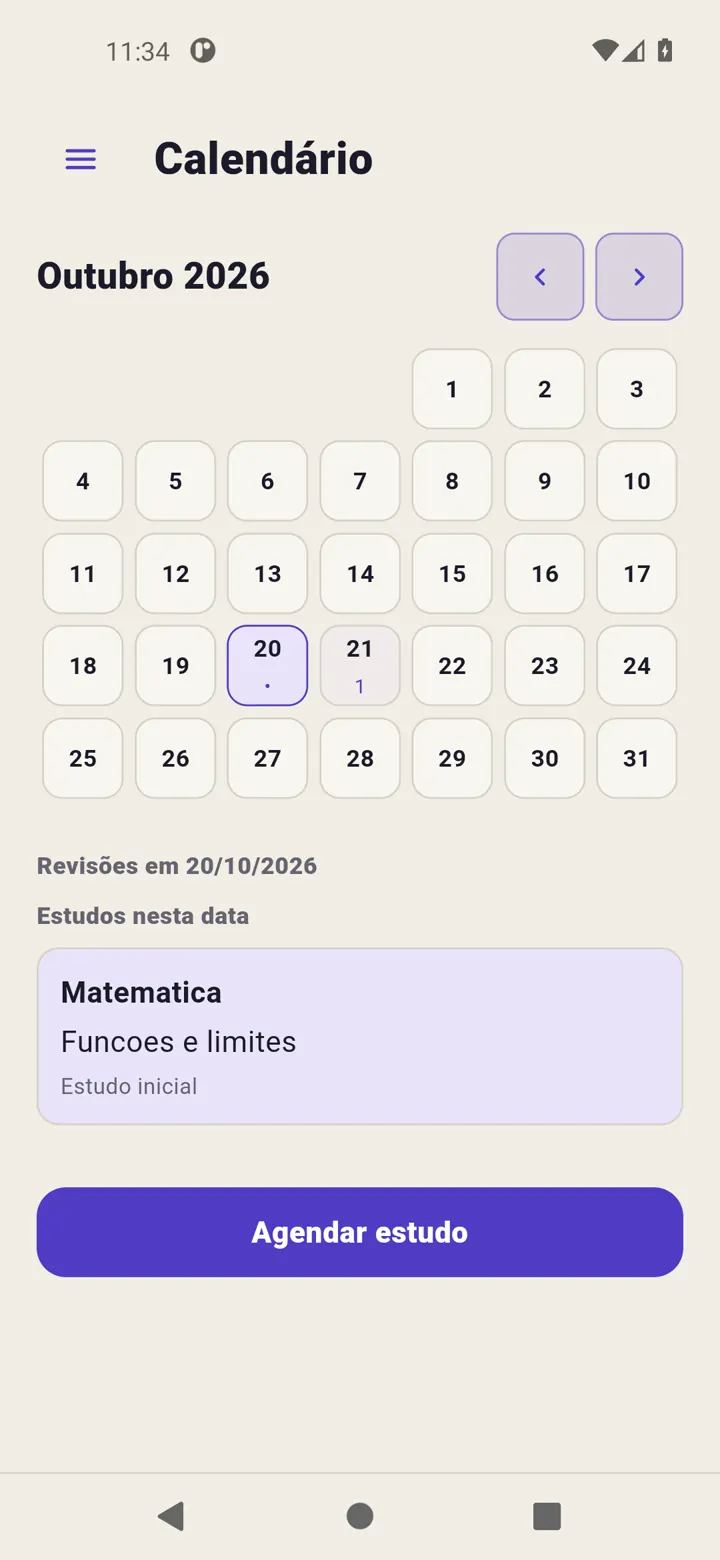
A review becomes overdue when its date passes without completion. It remains visible in Revisync; the app does not turn it into completed work automatically.
Find the next action
Open overdue work in Today and check the titles. After reviewing, use Complete review. For scheduled study, use Mark study as completed. These actions belong to different contexts.
Change a date if needed
Use Reschedule review on its card, choose a valid date and confirm. This changes that cycle’s next step, not every subject’s plan.
For an overall change of rhythm, adjust global intervals in schedule settings and check Calendar. Completed history is not rewritten.
Do not clear the list with false completion
If you will not continue a cycle, finish it. To begin the sequence again, use Restart cycle. Read the confirmation. Neither decision requires pretending pending reviews were performed.
Reserve activities that fit your day and reduce new content if needed. See Handle overdue work for the controls.